Kissing · V1
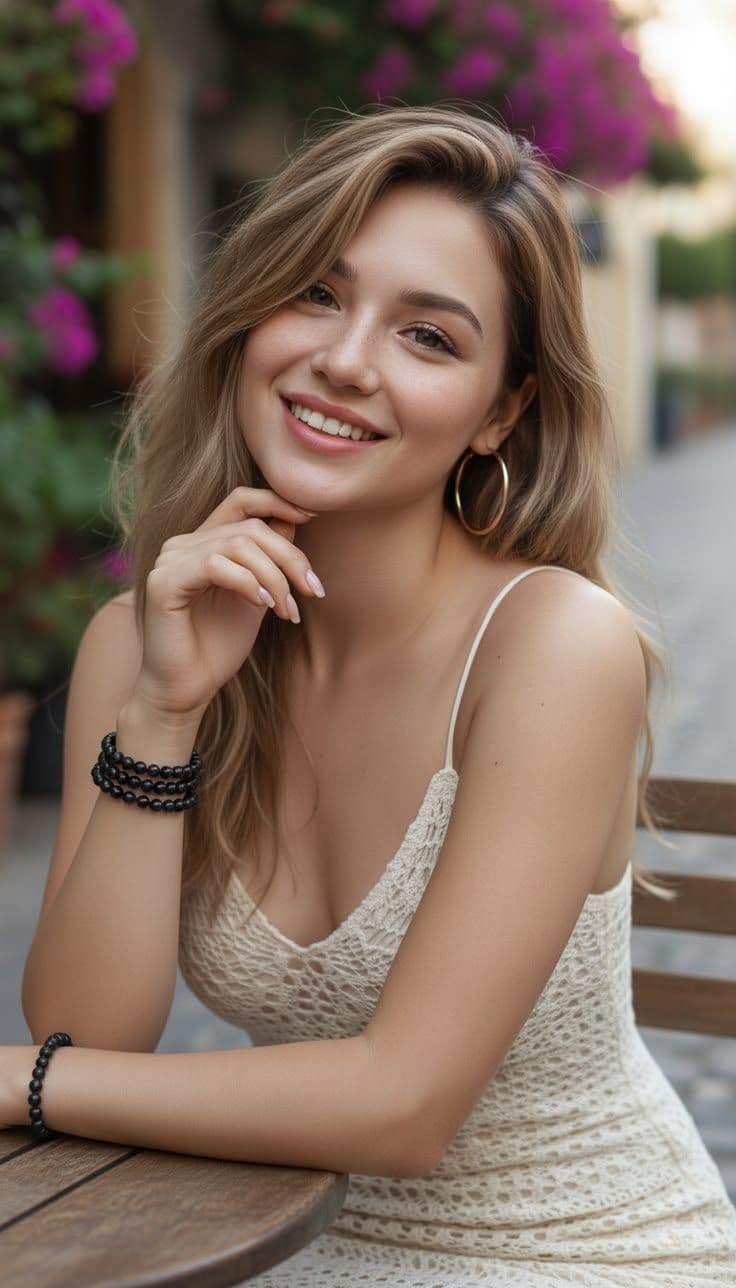
480p: 49 credits; 720p: 69 credits.
View template details → Loading...
Photo-to-video for consenting adults
Turn an authorized adult photo into an NSFW AI video using a prompt or template. Compare framing, preview examples and the credits required before creating.
For adult photo-to-video creation, start with a clear reference image. A custom prompt describes your intended video; a template supplies a preset movement. Results can vary, and every depicted person must be 18 or older and consent.
Use these reference images to judge visible faces, poses and space around the subject. Matching framing helps you choose a suitable template; identical results are not guaranteed.
480p: 49 credits; 720p: 69 credits.
View template details →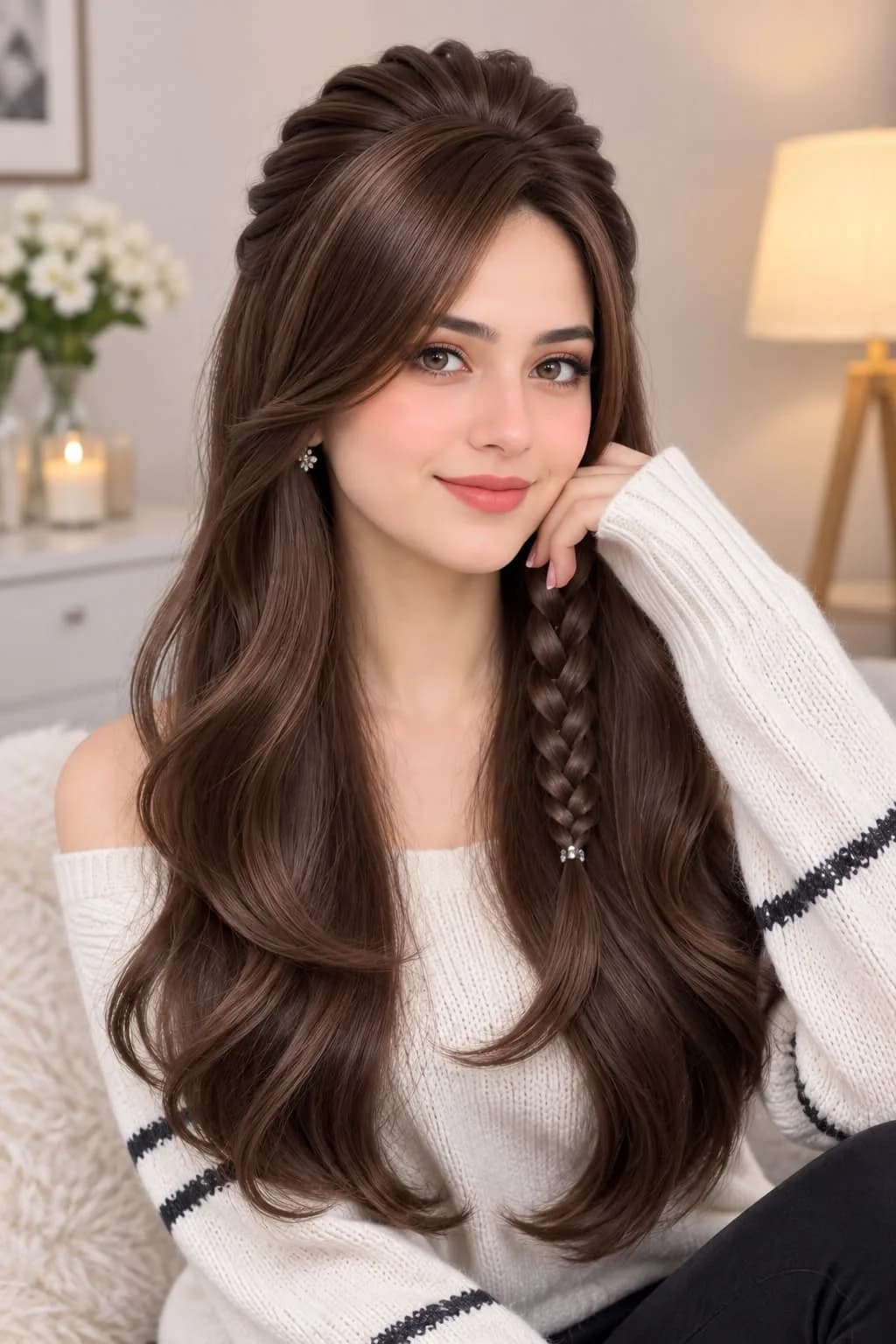
720p: 69 credits.
View template details →Choose a clear photo you own or have permission to use. Every depicted adult must consent to this use.
Check visible faces and relevant limbs against the reference image. Avoid tight crops that hide details needed for the movement.
Open a compatible template's details, read its input guidance and choose the available quality before uploading.
The useful crop depends on the movement. A face-focused example and a body-motion example need different visible details.
Pose, cropping, blur and occlusion can affect the output. An output-quality setting is not a substitute for a clear source photo.
Templates use 49 credits for V1 480p or 69 for V1/V2 720p. Prompt-based video costs are shown in its creator.
Use a clear authorized photo with visible details that match the chosen movement. All depicted people must be consenting adults aged 18 or over.
Sign in to claim eligible daily reward credits. You can use earned free credits for AI images or videos once your balance covers the chosen cost. Each creation option shows its required credits before you start; rewards are subject to account eligibility and claim limits. Templates use 49 credits for V1 480p or 69 for V1/V2 720p. Prompt-based video costs are shown in its creator.
No. Follow the Terms of Service: every person must be at least 18 and consent, and you need permission for the photo. Non-consensual use, minors and unlawful images are prohibited.
Treat 720p as an output-quality option, not a photo-repair tool. Start with a clear image that shows the required details.
The template adds intended movement, while the photo supplies visual information. Pose and framing can influence the result; compare and review it.
Only with explicit permission for this use and the consent of every depicted adult. Having a copy of a photo is not permission to use their likeness.
Create adult AI videos from authorized photos using your own prompts or motion templates. Compare examples and use eligible free credits when your balance covers the cost.
Explore adult AI video templates with real previews, image guidance and clear credit costs. Compare XMotion's V1 and V2 options before choosing a template.
Check image clarity, framing and permission first, then compare a compatible motion template.